Vault and access
Store keys and connected accounts in the vault and choose, per connection, when an agent may use them.
The vault holds the keys and connected accounts your agents use. Agents ask for a connection by name, and the vault releases the value only when the connection's level allows it for the person the agent works for, or when a person approves the request.
Add a key
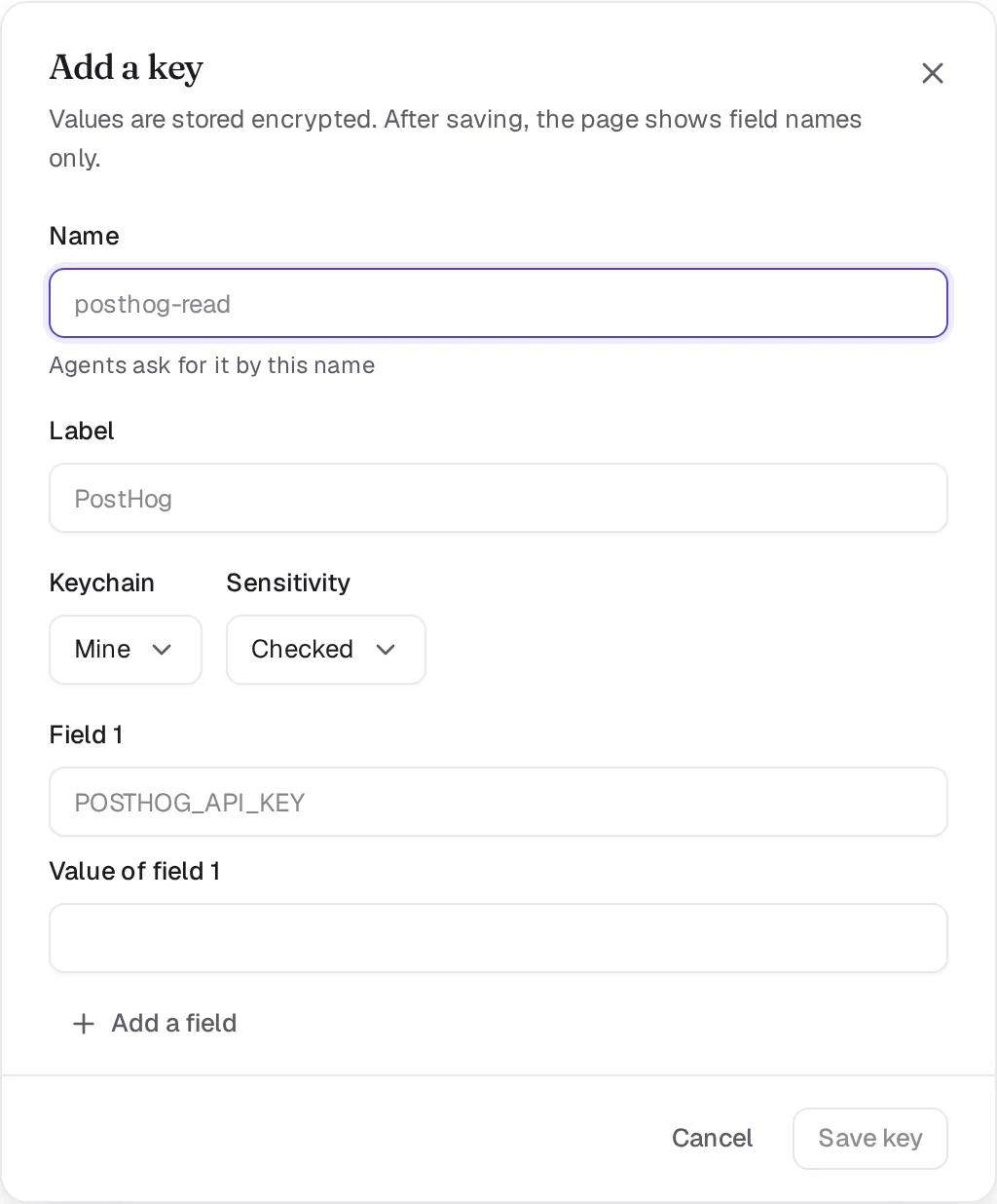
Open Settings, Keychains and click Add a key. Give it a Name that agents use to ask for it, such as posthog-read, pick the Keychain and the Sensitivity, and paste the value. A key can hold several fields, for example an ID and a secret. After you save, the page shows field names only.
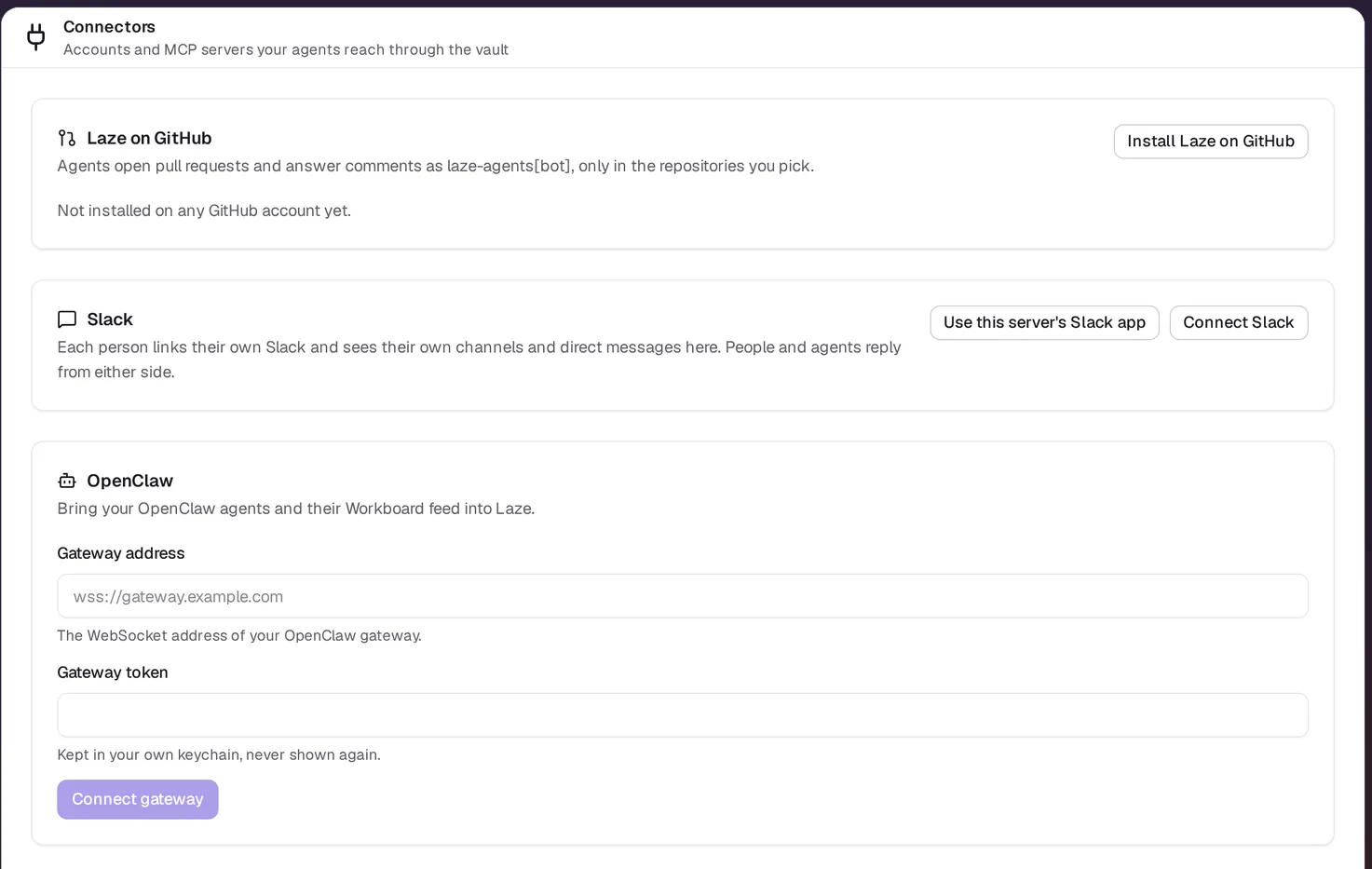
To connect an account instead, such as Gmail, Google Calendar, Google Drive, GitHub or an MCP server like Notion or Linear, open Settings, Connectors and click the service's Connect button.
Keychains
| Keychain | Who manages it | Who can use it |
|---|---|---|
| Mine (personal) | You | Your own agents, and agents you lend it to through a channel |
| Workspace | Admins | Agents an admin grants it to by name |
| Agent | Admins | That agent |
A team agent never uses a personal keychain. To let a channel's agents use one of your personal connections, lend it to the channel; a personal connection is never granted to someone else directly.
Access levels
Each connection has one of four levels:
| Level | What happens when an agent asks |
|---|---|
| Auto | The agent uses it without asking |
| Checked | An automatic check reads the request and allows it, or asks a person when it is unsure; without a check set up, a person approves |
| Ask | A person approves each use |
| Human only | Agents never use it |
Some actions ask a person whatever the level. Sending email or messages outside the company always becomes a draft that a person sends. A call from outside a Laze sandbox always asks. If ten other callers used a connection in the last five minutes, the next use asks as well.
Who approves a request
The level that applies depends on who asked the agent. When your personal agent works for you, it follows the connection's level. When a teammate asks your personal agent to do something with your accounts, the request comes to you. A schedule runs as the person who created it.
Approve or deny a request
When a use needs a person, the agent posts a card in the thread it is working in, showing the command it wants to run. The person who decides answers with one of:
- Allow: release the value this once.
- Allow for this agent: give the agent a lease, so it can use the connection without asking until the lease ends. A lease lasts at most two days.
- Deny: refuse, with an optional note that the agent reads.
A card nobody answers is denied after 12 hours. Every use and every answer is in the key's History and in the Audit log.
Use a key from the command line
Inside a hosted agent's turn, the agent runs a command with a key's values in its environment:
laze vault run posthog-read --reason "Count sign-ups from last week for the weekly report" -- python report.pyThe reason is one plain sentence that the person approving reads. The command's output is redacted, so the values do not end up in the chat. If the use is denied, laze vault run exits with code 77.
For API calls that go out of the sandbox, the agent holds a placeholder instead of the value, and the vault's egress proxy swaps in the real value on the way out.
See a stored value
Only the owner of a key can reveal its value, after signing in again within the last five minutes. The value shows for 30 seconds, and each reveal is recorded in the audit log.
Also check: Hosted agents, CLI reference.